
Introduction to SS7
Welcome to our complete informational resource for SS7. Whether you are installing the Android app for the first time or checking for the latest v3.5.0 release details, this page covers download steps, setup instructions, and device requirements clearly.
Need help with account login, updates, or common setup questions? Visit our SS7 Guides & Blog for additional tips.
What Is SS7?
SS7 is a compact Android mobile entertainment platform built for smooth portrait-mode browsing and fast response times. Packed into a lightweight 25.0 MB installer, it loads quickly across everyday mobile connections.
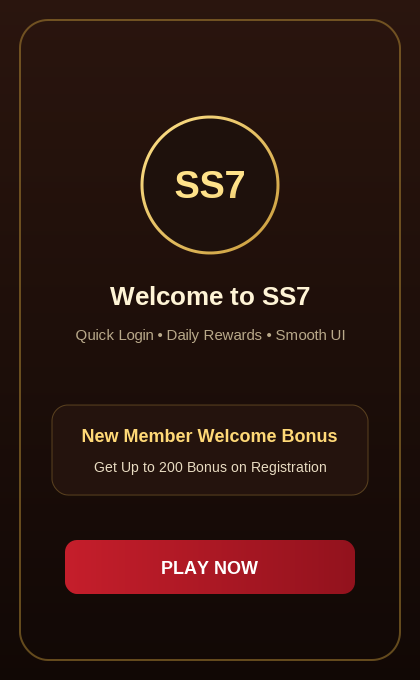
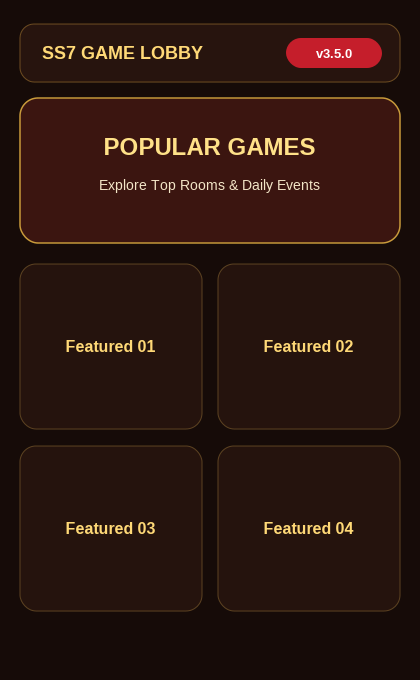
Inside the app, members get access to an organized lobby, daily activity bonuses, straightforward login controls, and responsive navigation designed for both entry-level and flagship Android devices.
SS7 App Features
- User-Friendly Dashboard: Clean dark-and-gold lobby designed for effortless one-handed navigation.
- Lightweight 25.0 MB Package: Fast to download without consuming excessive storage or mobile data.
- Simple Sign-In Process: Quick mobile registration and smooth login recovery flow.
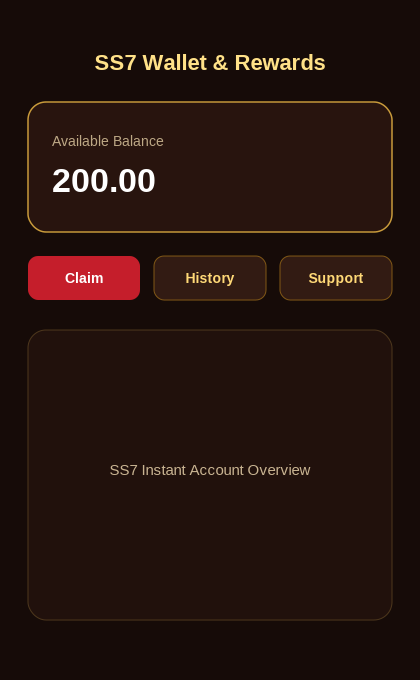
- Daily Check-In & Spin Bonuses: Regular activity rewards and welcome perks for new members.
- Optimized Speed: Runs smoothly on Android smartphones with 2 GB RAM or more.
- Timely App Updates: Regular builds to keep stability, speed, and security up to date.
- Wide Android Support: Compatible across Android 7.0 through Android 15 handsets.
- Built-In Support Center: Easy access to help options directly inside your member profile.
How to Download SS7
- Tap the red DOWNLOAD button inside the hero card at the top of this page.
- You will be redirected to the official SS7 invite link to fetch the latest v3.5.0 package.
- Confirm the download prompt when your Android browser asks for permission.
- Wait a few seconds for the 25.0 MB APK file to finish downloading.
- Open your browser's download manager or your phone's Downloads folder.
- Check that the file is complete before starting installation.
How To Install SS7
- Open your Android File Manager and go to the Downloads folder.
- Tap the downloaded
SS7.apkfile to start setup. - If Android shows a security prompt, tap Settings.
- Enable Allow from this source for your browser, then go back.
- Tap Install and wait a few moments while the package installs.
- Once installation completes, tap Open to launch SS7.
- Sign in with your existing details or register a new member account.
- Explore the SS7 lobby and review your welcome bonus details.
SS7 Compatibility
SS7 is optimized for devices running Android 7.0 (Nougat) or newer. Keeping at least 100 MB of free internal space ensures smooth installation and future updates.
For uninterrupted performance, use a reliable 4G, 5G, or Wi-Fi connection along with 2 GB RAM or higher.
Important Information
Never share your password or OTP verification codes with anyone. Keeping your app updated to the latest version helps prevent login glitches and ensures smoother performance.
If an older build fails to update, clear your browser cache or uninstall the outdated version first before installing the fresh APK.
Is SS7 Safe and Legal?
Before downloading or participating on any online gaming platform, always verify age requirements (18+) and follow the laws applicable in your state or region. Only download files from trusted links and play responsibly.
Frequently Asked Questions
Why is the SS7 APK not installing on my Android phone?
Check that "Install unknown apps" permission is enabled for your browser in Android Settings and ensure at least 100 MB of free storage is available.
What is the current file size and version of SS7?
The listed build is v3.5.0 with an approximate download size of 25.0 MB.
Can I use SS7 on both Wi-Fi and mobile data?
Yes, SS7 works smoothly over stable 4G/5G mobile data as well as home Wi-Fi networks.
Final Thoughts
SS7 combines a clean interface, quick installation, and compact file size into one straightforward Android experience. Follow the steps above to download safely, install in minutes, and explore all app features smoothly.
Disclaimer
This website serves as an informational guide for SS7 and is intended strictly for users aged 18+. Online gaming may involve financial risk and can be habit-forming; please check local regulations and participate responsibly.